
There is a particular kind of horror in realizing your smoke detector only works once the house is already on fire. By that point, the damage is already done.
Data pipelines suffer from a similar problem, but with one key difference. When a house burns down, you know right away. When a pipeline silently drops 3% of your rows, a vendor changes their API response format, or a transformation starts double-counting a key metric, everything continues to run as if nothing is wrong. There are no errors and no alerts. Instead, a dashboard looks slightly off three weeks later, after bad data has already moved through your entire stack and influenced decisions that cannot be reversed.
Most data teams respond to this reactively. They add tests after something breaks, during a post-mortem, almost as a reflex. The issue is not a lack of awareness about the importance of testing. It is when they try to build coverage deliberately that the process quickly becomes unclear: where should you start, and what should you add next?
This piece answers that question with a stage-by-stage decision process you can apply to your pipeline today. Whether you are starting from scratch or closing gaps in a production pipeline, here is what you will walk away with:
A risk-first triage method to decide which datasets and stages to test first.
A stage-by-stage breakdown of common failures across ingestion, transformation, serving, and performance, along with the minimum checks that catch them.
A repeatable decision rule for what to add next as your coverage grows.
A practical distinction between what testing covers and what observability handles, and why both are necessary.
Key Takeaways |
|---|
|
Start With the Risk Map, Not the Test List: Three Questions to Find Your Starting Point
The instinct when building test coverage is to open your pipeline and start writing checks. Resist it.
Without a clear sense of which data actually matters and what it costs when it breaks, you end up with coverage that is wide but shallow. Lots of checks on datasets nobody depends on, and nothing protecting the revenue report your CFO pulls every Monday morning.
Before writing a single check, run a fast triage. These three questions will tell you where your first checks belong:
|
|---|
The answers give you a risk map. You will have a short, ordered list of the datasets and pipeline stages where a silent failure would hurt most. Everything you build from here starts there.
Try this now: Name three datasets that would trigger an incident if they silently broke today. If you cannot name them immediately, that is useful information. It means your team does not yet have a shared picture of what "critical" means, and getting that alignment is the first step.
One more thing worth stating: complete test coverage is not the goal, and chasing it is a trap. The goal is to make sure the failures that matter get caught by your checks, not by your users. A small set of well-placed, enforced checks on your highest-risk data will do more for your pipeline's reliability than broad coverage that nobody acts on.
Stage-by-Stage: Where to Test and What to Catch
A pipeline is a sequence of handoffs, each with its own failure modes. Schema drift at ingestion looks nothing like a join that silently drops rows mid-transformation. Testing them the same way, or at the same point, means one of them reliably slips through.
What follows is a stage-by-stage breakdown of where things actually go wrong, the minimum check that catches it, and what adequate coverage looks like at each point. Use it as a build order, not a checklist. Work through your highest-risk pipeline stages first, then expand.
Stage 1: Ingestion (when the data first arrives)
What breaks here:
This is where the outside world meets your pipeline, which makes it the least predictable stage. Vendors change API response formats without warning. Source systems rename columns. A batch job runs twice and delivers duplicate records. Data arrives late, or not at all, and nothing throws an error.
The minimum check:
Schema validation on arrival. Confirm that expected columns exist, types have not changed, and no new fields have appeared that your downstream models aren't ready for
Freshness check. Verify that data arrived within the expected window; a missing delivery is a failure even if it produces no error
What good coverage looks like:
Every new data source gets a schema test and a freshness check before anything downstream runs. Schema changes trigger an alert rather than silently propagating.
Stage 2: Transformation (where logic errors hide)
What breaks here:
Transformation failures are the hardest to catch because they do not crash your pipeline. They just produce wrong answers. A join that drops rows when a key does not match. An aggregation that double-counts when a filter condition is slightly off. A business rule applied inconsistently across regions because someone updated one branch of the logic and not the other. The pipeline finishes successfully, but the numbers are wrong.
The minimum check:
Unit tests on transformation logic. Test individual transformations with known inputs and expected outputs. Run them on every code change, not just at deployment
Row count reconciliation between input and output. If 1 million records enter a transformation and 970,000 leave it, that difference needs an explanation
What good coverage looks like:
Core transformation logic is tested automatically on every code change before anything reaches production. Row count parity checks run as part of every pipeline execution.
Stage 3: Pre-serving (the last gate before your data reaches users)
What breaks here:
Even if your pipeline ran without errors and your transformations are logically correct, the output data can still be untrustworthy. Required fields that are null. Duplicate records that inflate metrics. Values that fall outside any plausible range, such as a transaction amount of $0, an age of 847, or a customer ID that does not exist in your master table. None of these crashes anything, but all of them corrupt the outputs your users are making decisions from.
The minimum check:
Null checks on required fields
Duplicate detection on unique identifiers
Range and referential integrity checks on values that have known valid boundaries
Critically: these checks should block promotion. If they fail, the data does not move forward
What good coverage looks like:
A quality scan runs as a blocking gate inside the pipeline, after transformation and before serving. Failure stops the pipeline and alerts the team rather than letting bad data reach downstream consumers.
Stage 4: Under load (what staging never told you)
What breaks here:
A pipeline that handles 100,000 rows cleanly in staging can behave very differently with 10 million rows and three concurrent jobs running against the same warehouse. Jobs that are completed in minutes now breach SLA. Memory pressure causes silent truncation. A query that was merely slow in development becomes full resource exhaustion in production. You find out when a stakeholder notices the dashboard has not refreshed.
The minimum check:
Benchmark at realistic volumes before go-live, not trimmed development datasets, but anonymized or sampled production data at the scale you actually expect
Set alert thresholds for job duration, processing rate, and throughput before you need them, not after the first breach
What good coverage looks like:
Performance baselines are established before a pipeline goes to production and monitored continuously afterward. Degradation trends surface as alerts, not as SLA misses.
Test Matrix for Data Pipelines
The four stages above tell you where to focus and what to check. The matrix below shows how those stages translate into specific test types, when each runs, and who owns it. Use it as a reference when building out or reviewing your coverage.
Test Type | What It Catches | Pipeline Stage | When It Runs | Typical Tooling | Owned By |
|---|---|---|---|---|---|
Unit testing | Broken transformation logic, regressions | Pre-ingestion / model build | On code change (CI) | pytest, dbt | Data Engineer |
Schema validation | Unexpected column additions, type changes, renames | Ingestion / source layer | On arrival or model run | dbt, Soda | Data Engineer |
Integration testing | Mismatches between pipeline stages, broken handoffs | Between layers (staging → mart) | On pipeline run | dbt tests | Data Engineer |
Data quality validation | Nulls, duplicates, out-of-range values, referential integrity violations | Post-load / pre-serving | Scheduled or triggered post-run | Soda | Data Engineer / Steward |
Reconciliation testing | Volume drops, row count drift, aggregation mismatches vs source | Cross-system / end-to-end | After full pipeline run | Soda, custom SQL | Data Engineer |
Performance monitoring | SLA misses, slow jobs, resource spikes | Orchestration layer | Continuous / per-run | Airflow, SparkUI | Platform / Infra |
Without a matrix, testing becomes inconsistent and ad hoc. Standardizing pipeline testing is a foundational step toward building trusted data products that downstream consumers can rely on. (We discuss this in: 5 Best Practices to Build Trusted Data Products.)
Key Tools for Data Pipeline Testing
Knowing what to test is half the problem. The other half is making sure those checks actually run, every time, without someone manually triggering them. Here is how the test types covered earlier map to specific tools.
Unit Testing – pytest and dbt
Validate transformation logic
Catch regressions on code change
Run in CI before deployment
dbt tests validate structural and value constraints at model build time, making them a natural fit for unit-level checks on transformation logic.
Integration testing: dbt tests
Verify data across multiple pipeline stages
Ensure outputs match expectations
Catch inconsistencies before production
dbt's built-in test framework can also serve as a lightweight integration layer, validating that data moving between models meets defined expectations at each handoff point.
Performance testing: Spark profiling and Airflow SLA monitoring
Monitor job durations
Detect slowdowns before SLA impact
Optimize pipeline efficiency
SparkUI profiling surfaces bottlenecks in processing jobs, while Airflow's SLA miss detection flags delays at the orchestration level, giving teams early warning before downstream consumers are affected.
Data pipeline validation: Soda
Define “good” data with human-readable checks
Automatically alert teams on failures
Stop pipelines to prevent bad data from reaching production
SodaCL checks run inside pipelines and integrate with orchestration and warehouse tools like Airflow, Dagster, Prefect, Snowflake, and Databricks.
The right tooling makes testing a default behavior rather than a deliberate extra step and that's the only way it scales across a growing pipeline.
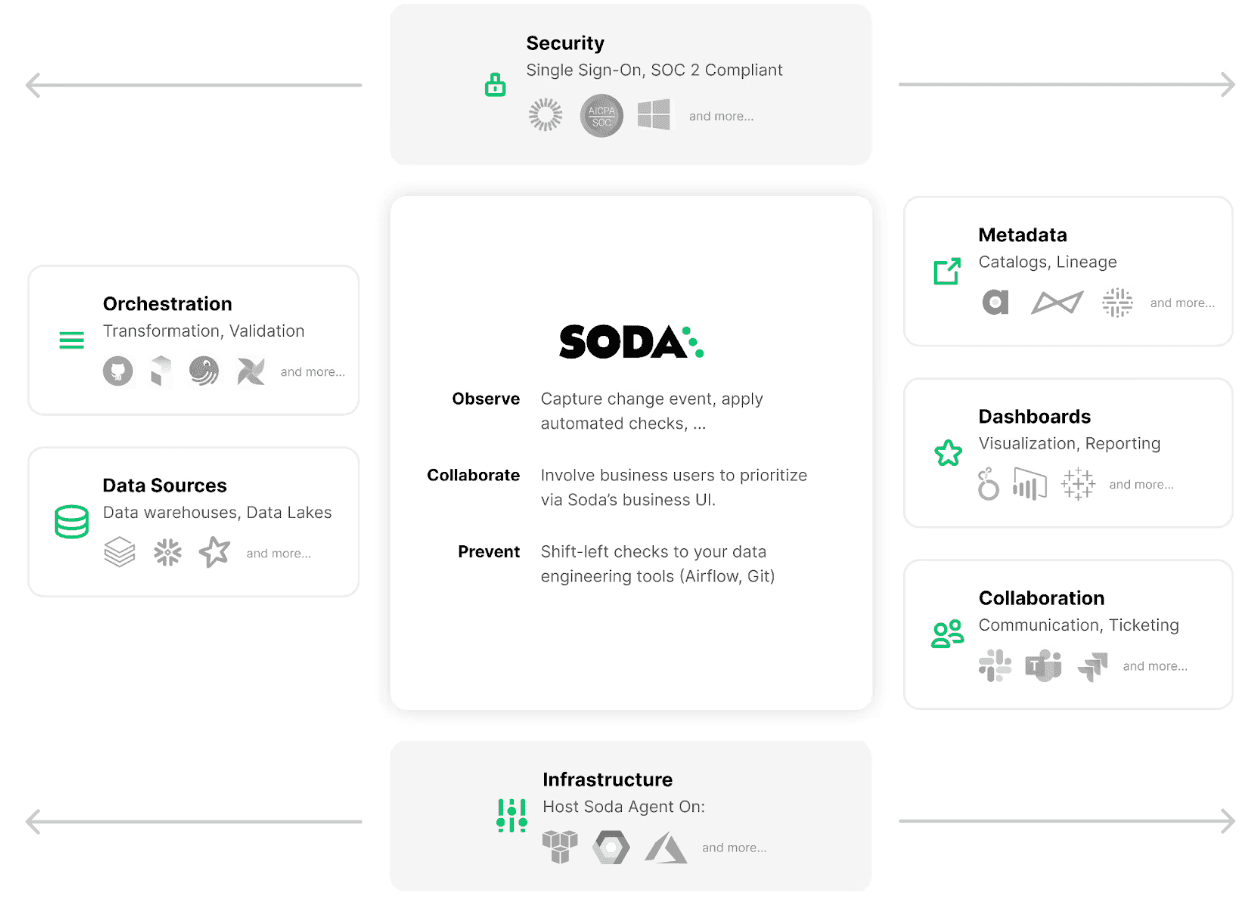
Check our Customer Stories to see how real companies prevent errors at the source rather than repairing damage downstream.
4 Questions that Tell You what to Add Next
The teams that maintain reliable pipelines over time are not the ones that built the most comprehensive test suite on day one, but the ones with a clear, repeatable process for knowing what to add next.
Work through these four questions in order, against your highest-risk pipeline stages first.
1. Is there a stage with no checks at all?
If yes, this is your immediate priority, ahead of everything else. A stage with zero coverage is a stage where any failure is invisible. Go back to the stage-by-stage breakdown above, identify the minimum viable check for that stage, and add it. One check that runs automatically is worth more than ten checks you are planning to write.
2. Do your checks run but not block?
Checks that generate alerts but do not stop bad data from moving forward are better than nothing, but not by much. If a quality scan fails and the pipeline keeps running, downstream consumers still get bad data, they just get it with a notification attached. Identify your most critical checks and promote at least one to a blocking quality gate. If it fails, the pipeline stops.
3. Are you only catching structural problems, not logic problems?
Schema validation and null checks are the foundation, but they will not tell you that your revenue calculation is double-counting or that a join is silently dropping valid records. If your coverage is entirely structural, your next addition is transformation unit tests, tested with known inputs, expected outputs, and run automatically on every code change.
4. Have you tested at production volume?
Everything above can be in place and your pipeline can still fail under real conditions if you have only ever run it against development-scale data. Before your next significant volume increase — a new data source, a new customer segment, a step-change in row counts — run a performance benchmark at realistic scale and set alert thresholds before you need them.
Work through these four questions regularly at the start of a new pipeline build, after a significant schema change, after an incident, or simply as part of a quarterly pipeline review. Each time, you are looking for the highest-risk gap, not the easiest win.
Building a Complete Data Reliability Strategy
Even with solid coverage in place, there is one gap that testing alone cannot close.
Testing covers what you know. Observability covers what you don't.
Testing enforces expectations you have already defined. When you write a check that says "this column should never be null" or "row count at the destination should match the row count at the source," you are encoding a known requirement and verifying it automatically. Testing is precise, deterministic, and proactive. It catches the failures you anticipated.
Observability detects anomalies you did not anticipate. It monitors the statistical behavior of your data over time and surfaces deviations that fall outside normal patterns — a sudden drop in record volume, a metric distribution that shifts overnight, a high-cardinality column that suddenly shows only three distinct values. These are the failures nobody thought to write a check for, because nobody expected them.
The failure modes are genuinely different, which means the tools and responses are different too. A test failure tells you exactly what broke and where. An observability alert tells you something changed, and an investigation is required.
A mature data reliability strategy needs both. Testing gives you precision and enforcement. Observability gives you the speed and breadth to catch what you never thought to define. Together, they cover the full surface area of your pipeline.
If you want to go deeper on how testing and observability fit together, check Four Approaches to Data Quality: Manual vs Automated, Observability vs Testing.
Frequently Asked Questions
How do I prioritize testing in a large data pipeline?
Map your pipeline to the decisions it supports. Identify which datasets drive your most critical dashboards or underpin your ML models. Those datasets receive the first layer of checks, including row counts, nullability, schema consistency, and freshness. Data observability also helps by highlighting which issues are actually occurring in production so you can address them upstream before they recur.
Can data pipeline testing be fully automated?
Almost entirely. Checks written in code, stored in version control, and triggered automatically after ingestion mean data quality is assessed before any further processing occurs. The one place human judgment still matters is defining what "good" looks like, especially for business-logic validations that require domain knowledge. Once those expectations are defined, the automation takes it from there.
How do you test a pipeline you didn't build?
tart from the output, not the code. Identify the dashboard, model, or report that depends on it, then trace back to the riskiest handoff: the stage where a silent failure would cause the most damage. Add a single blocking check there first. You do not need to understand the full DAG to protect the parts that matter most. Understanding comes later; coverage on the critical path comes now.
What do you do when a test fails but the business says ship it anyway?
Make the override explicit, not silent. Implement severity tiers: block the pipeline on critical failures (nulls in a primary key, row count drops above a threshold), warn on medium-severity issues, and log low-severity anomalies. When someone overrides a failure, that decision should be recorded with a name and a timestamp. The goal is not to prevent every shipment; it is to make sure no one can accidentally ship bad data without knowing they did it.
How do you prevent your test suite from slowing down your pipeline more than it protects it?
A check that causes an SLA miss is worse than no check at all. Three strategies help: sample large tables instead of scanning every row (a 5% sample catches most distribution-level issues). Run non-blocking checks asynchronously after the pipeline completes rather than inline. And consolidate checks: one scan that evaluates nulls, duplicates, and range violations together is faster than three separate passes over the same table.